Choose your version and download method
Choose your game version first, then download from this site or the official release page. The two file types are not interchangeable.
Download From Official Release
Choose the file that matches your Minecraft version and loader on the official page. Read the file notes and dependency requirements before downloading.
How to install Verity JE
- 1Install a matching loader
Check the Files and Relations sections on the official release page for the Minecraft version, loader, and dependencies.
- 2Download and place the mod
Place the downloaded .jar in your Minecraft instance's mods folder. Do not extract the .jar file.
- 3Launch the matching profile
Start Minecraft with the matching loader profile. Back up your world before entering an existing save.
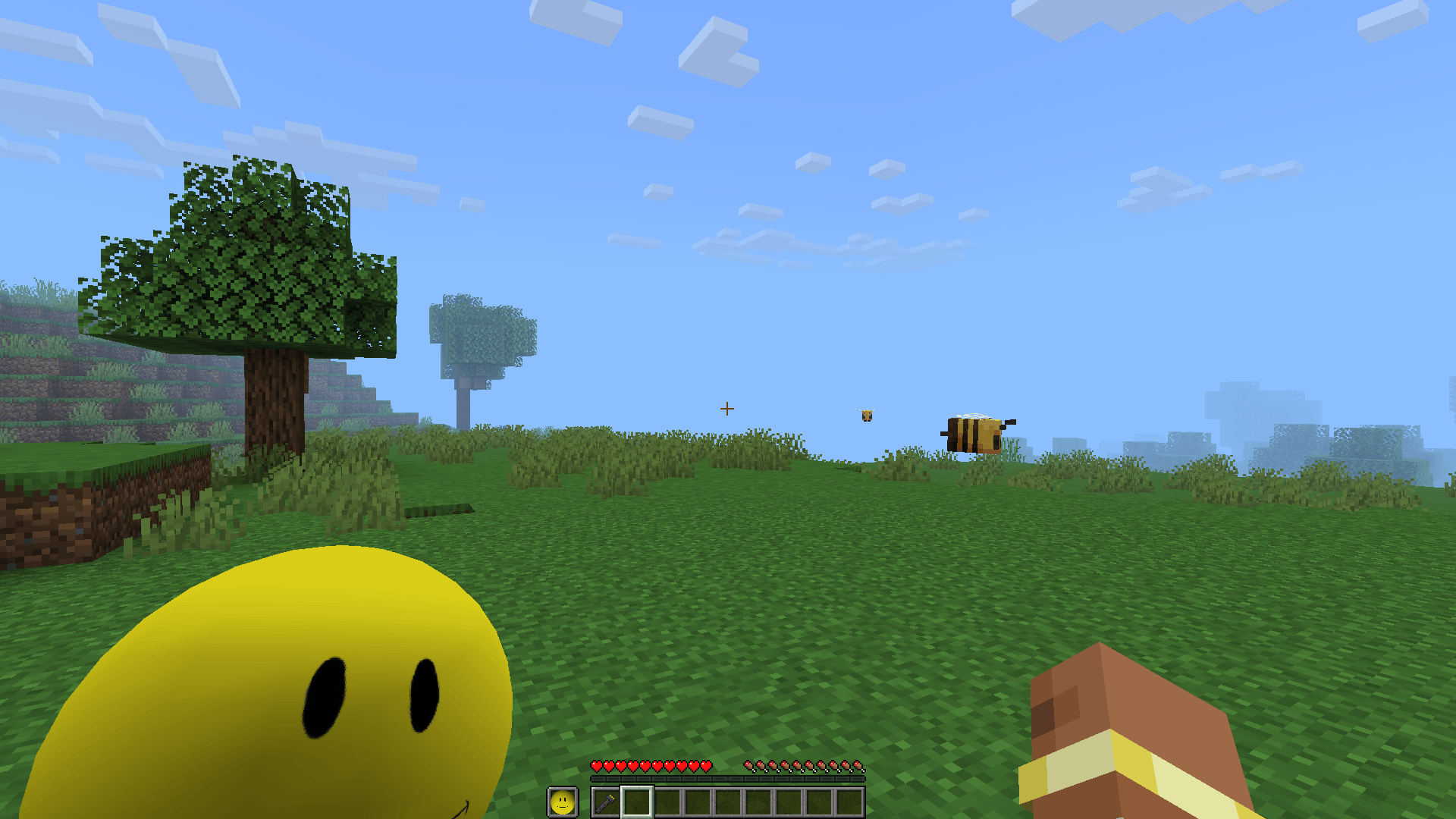
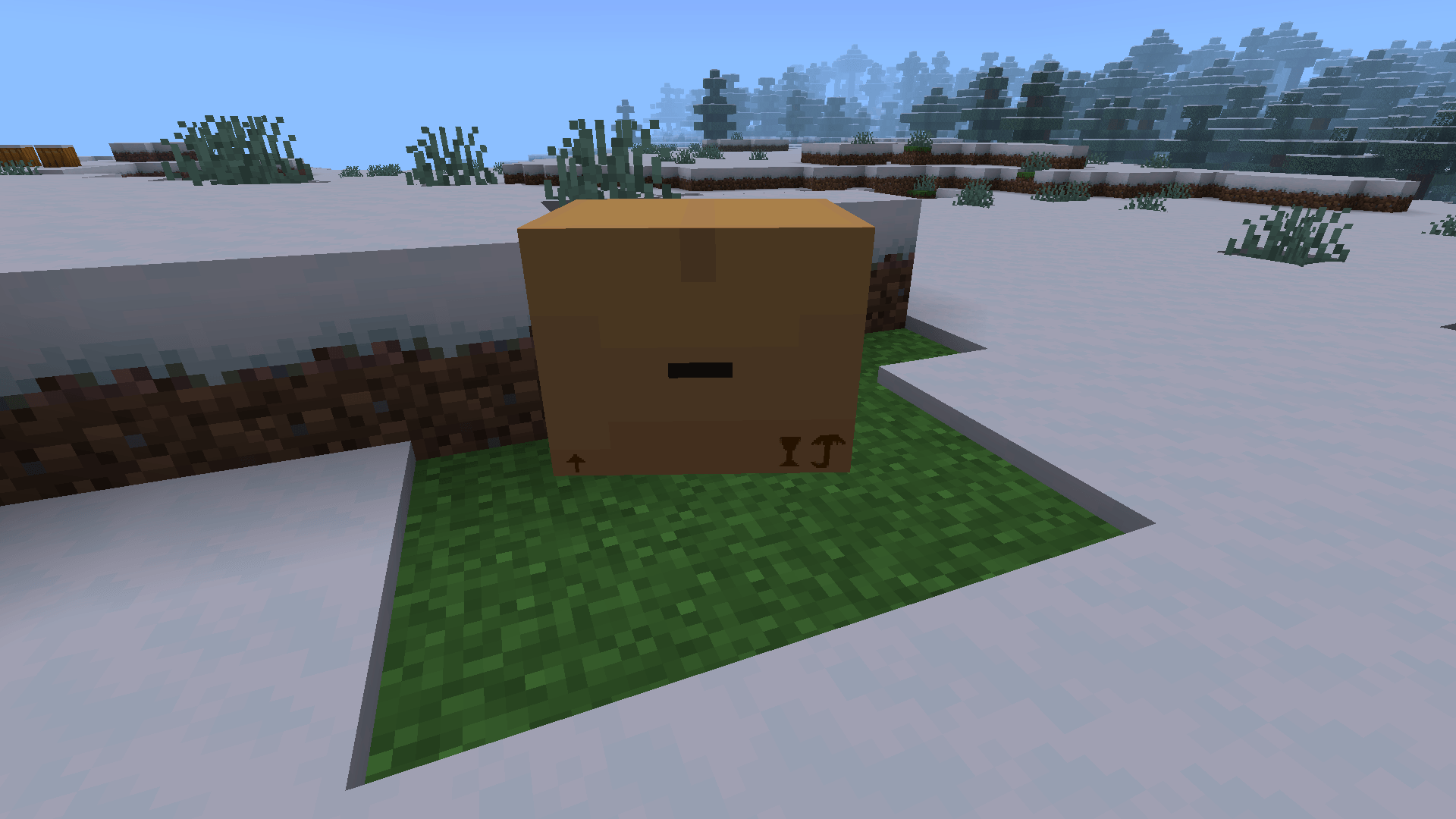
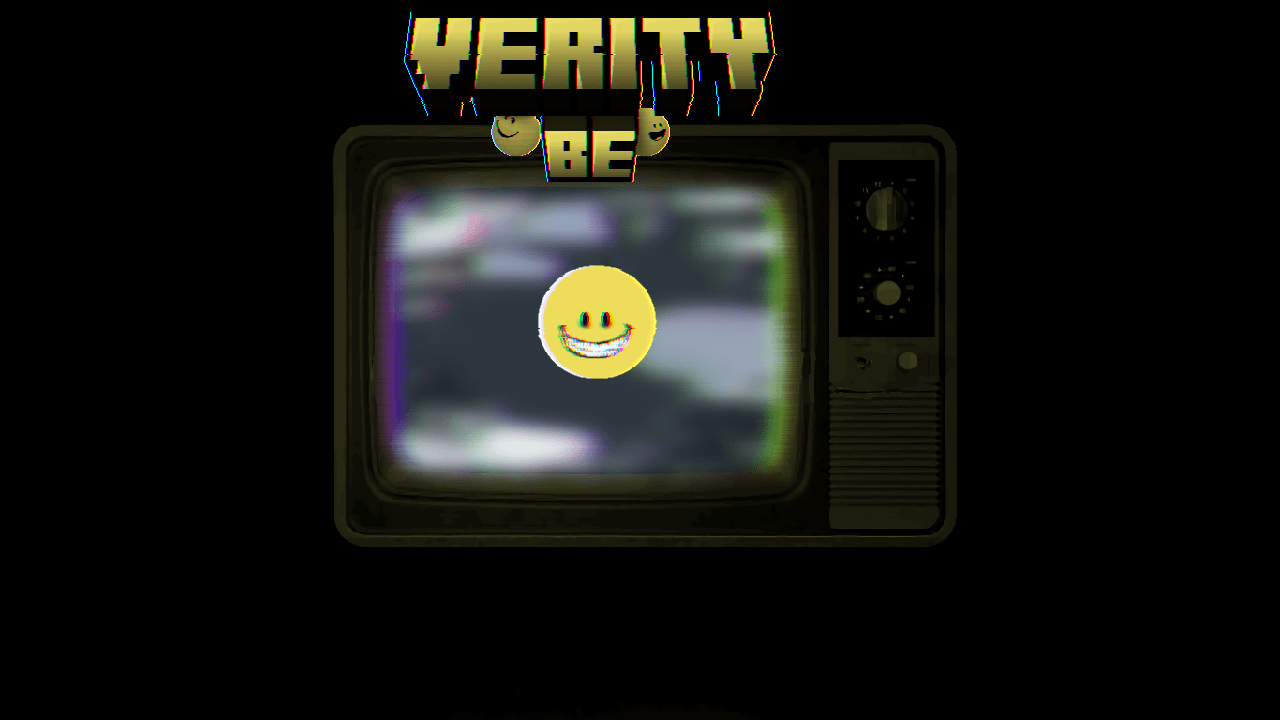
Verity in Minecraft
Questions and Answers
What is Verity?
Verity is a Minecraft mod or add-on project. Java and Bedrock / MCPE use separate release paths and installation methods.
When will direct downloads be available?
They will open only after a verified, publishable file is available. The page will then show the version, file size, and verification details.
Which Minecraft versions are supported?
Use the file details on the official release page as the source of truth. Its Files section lists the supported Minecraft version and loader.
Why does the mod not appear in-game?
For Java, check the loader, mods folder, and dependencies. For Bedrock, confirm the import completed and the pack is enabled in world settings.
Can I play with friends?
Before playing multiplayer, make sure every player and the server use compatible versions and dependencies. Test it in a separate world first.
What should I check before installing?
Do not put a Java .jar into Bedrock, and avoid untraceable re-upload links. Back up your world before updating or trying a new version.